
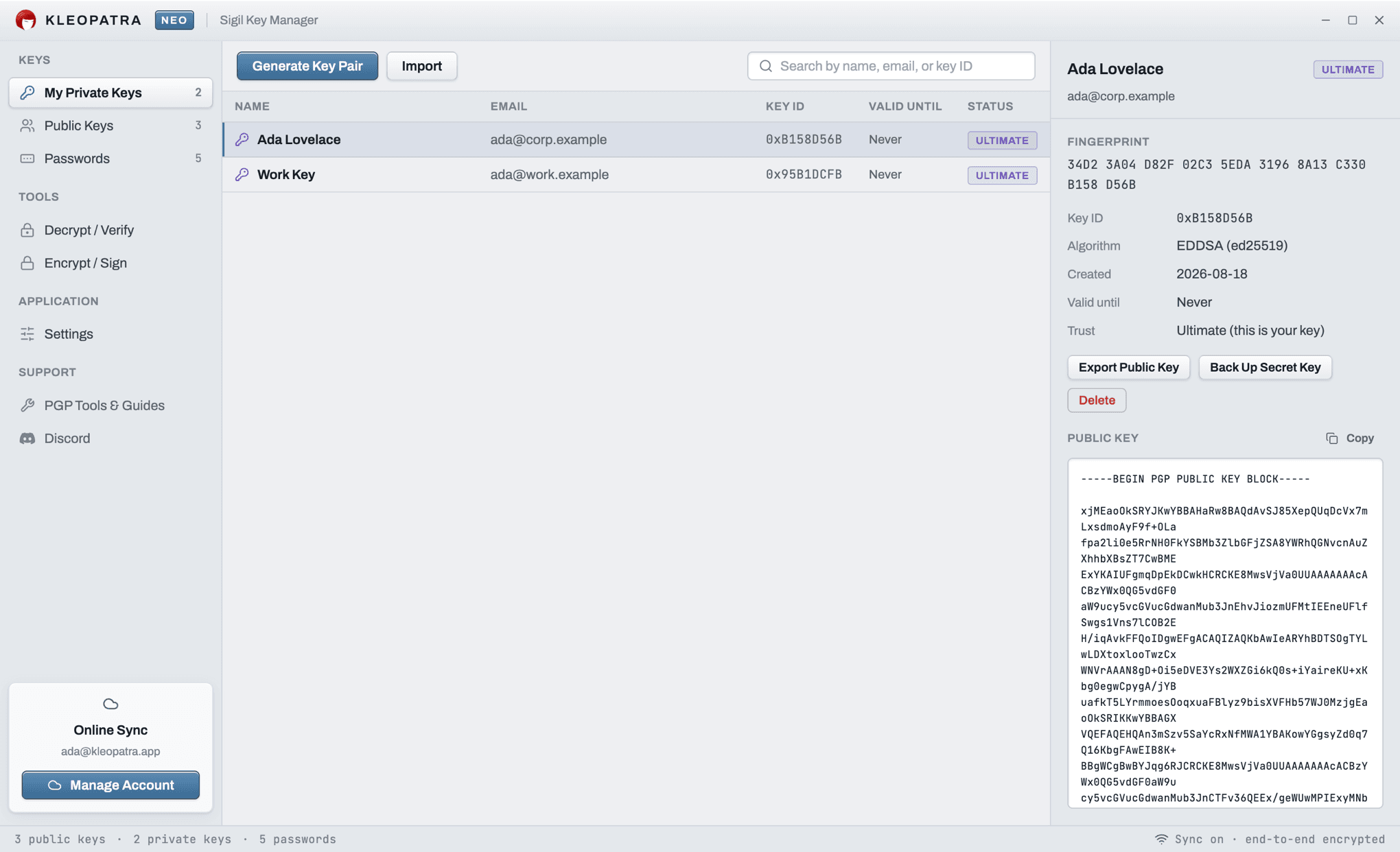
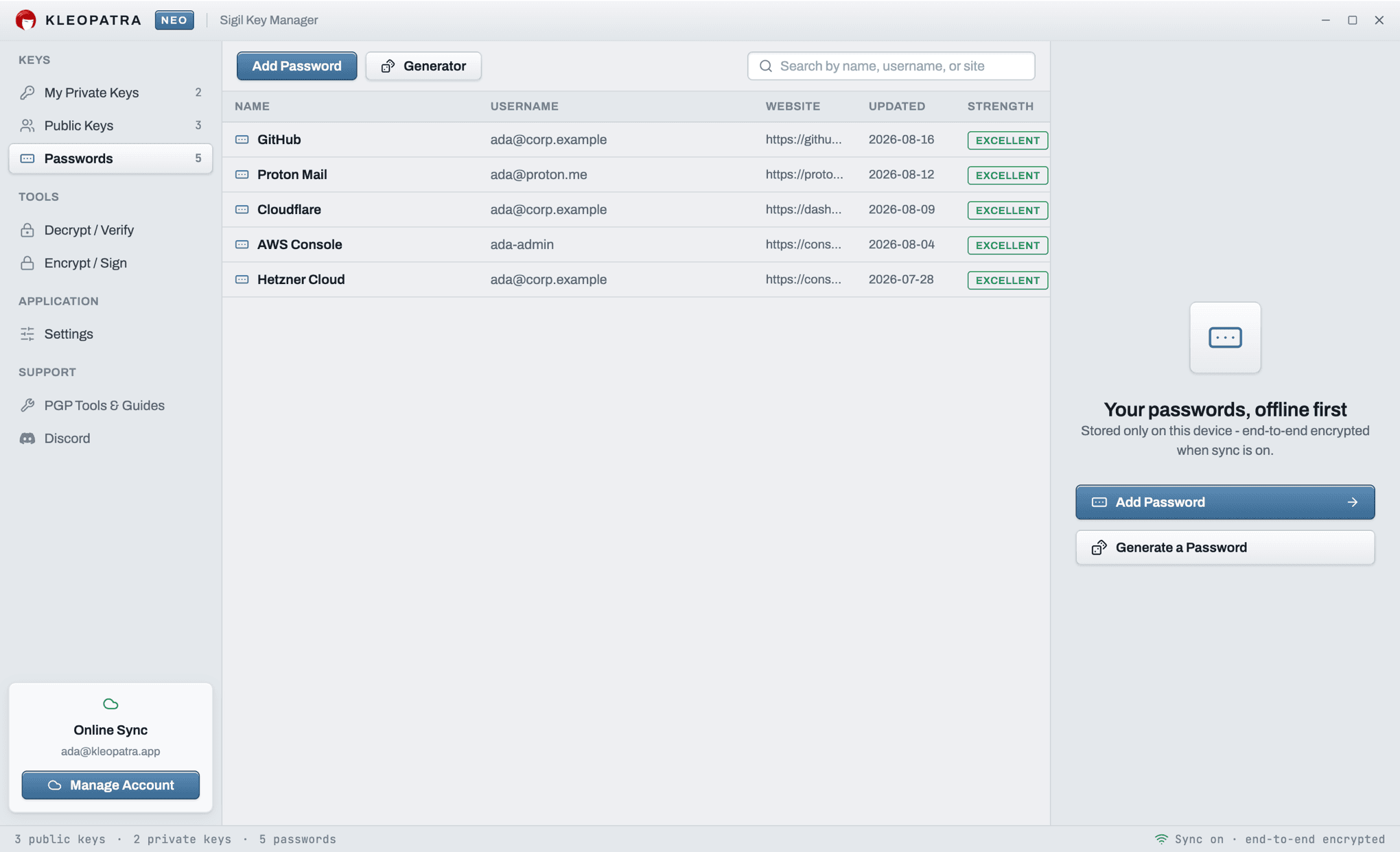
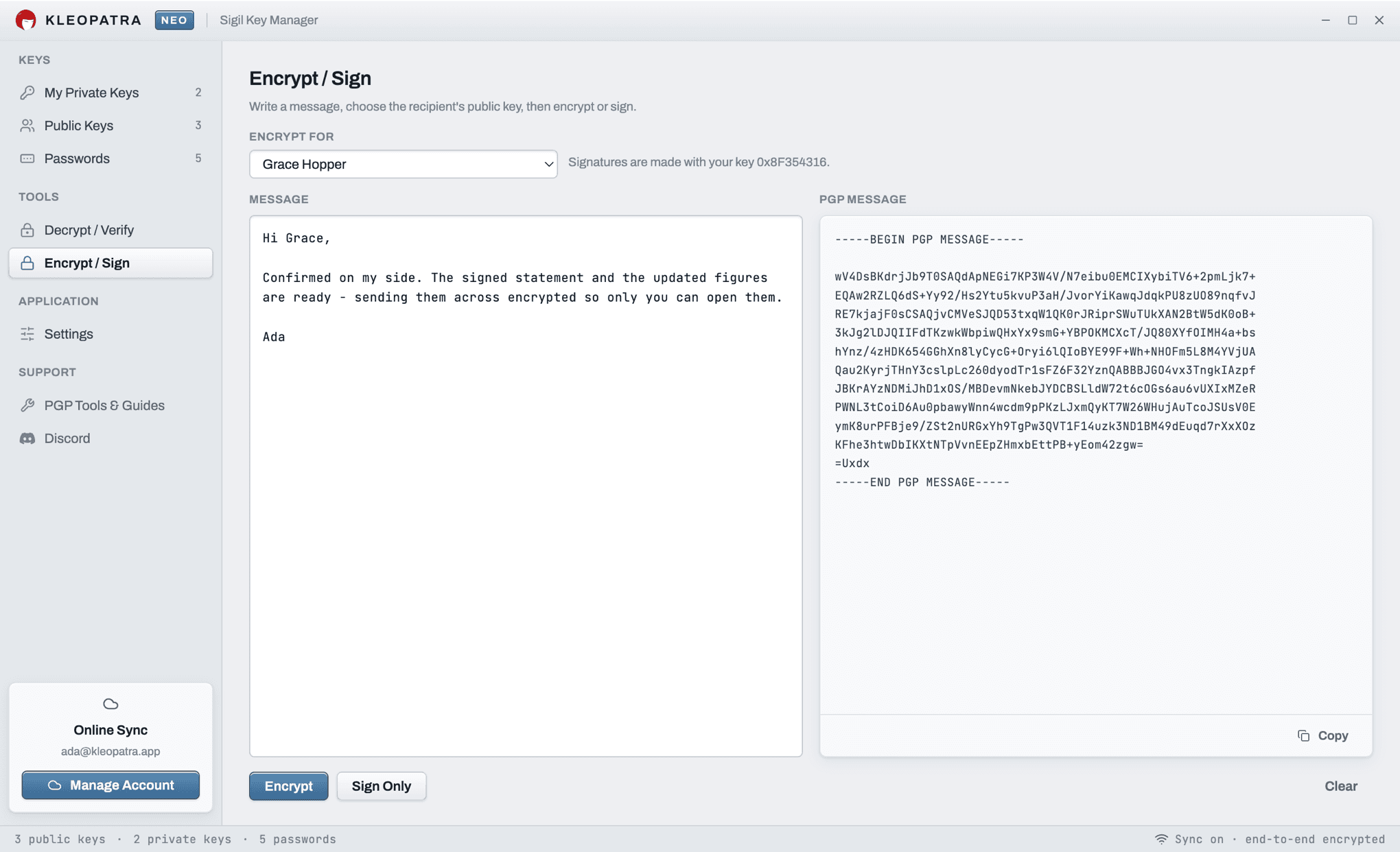
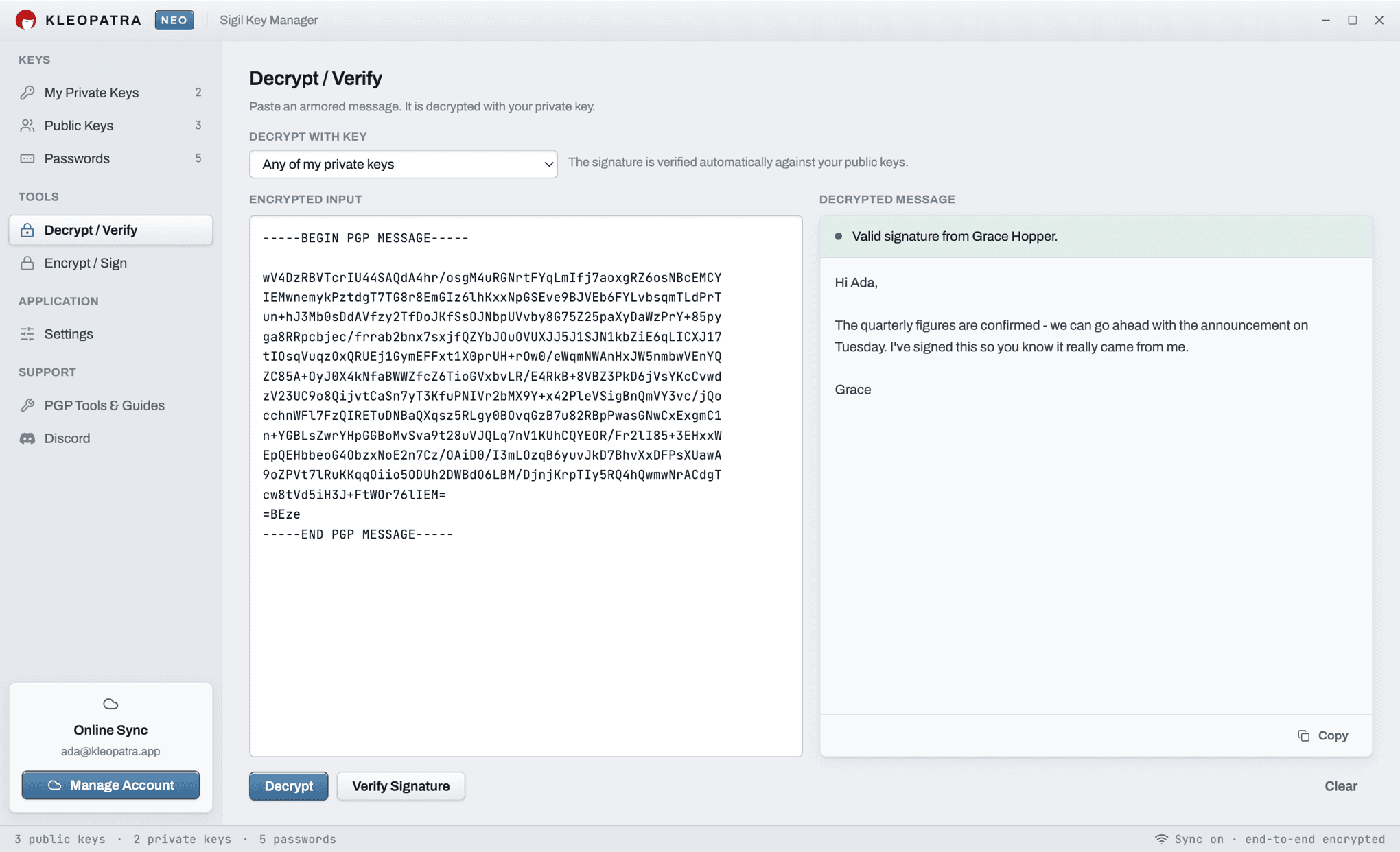
The Kleopatra Neo desktop app brings the full browser experience to your computer as a native application: the same key manager, the same encrypt / decrypt / sign tools, and the same password manager - working entirely offline. Installers are served directly from our own infrastructure, so the download starts immediately.
Looking for the classic Windows Kleopatra that ships with Gpg4win? That is a different, unrelated project by the GnuPG team, available at gpg4win.org. Both applications speak the same OpenPGP standard, so keys move freely between them - but Kleopatra Neo also runs on macOS and in any modern browser, with no installation required.
Prefer not to install anything? The complete app runs in your browser too: open Kleopatra Neo in your browser - same features, nothing sent to any server.
Privacy by design
Every cryptographic operation runs on your device. Keys and passwords stay local; with sync enabled they are encrypted with AES-256 before leaving your machine, so the server only ever stores ciphertext.
Frequently Asked Questions
Is the Kleopatra Neo desktop app free?
Yes. The Kleopatra Neo desktop app is completely free for Windows and macOS, just like the browser version. No account is required to use it.
What is the difference between the desktop app and the browser version?
Both offer the same PGP features: key generation, import, encryption, decryption and signing. The desktop app runs fully offline as a native application and adds a first-class experience for the optional encrypted sync, so your keys follow you across devices.
Which operating systems are supported?
Native installers are available for macOS (Apple Silicon .dmg) and Windows (.exe installer). On Linux or any other OS, the browser version at kleopatra.app offers the same functionality with no installation.
Is this the same Kleopatra as Gpg4win?
No. Gpg4win's Kleopatra is the classic Windows key manager maintained by the GnuPG project. Kleopatra Neo is an independent PGP application built on OpenPGP.js - same OpenPGP standard and compatible keys, with a modern interface for Windows, macOS and the browser.
Are my keys and passwords uploaded anywhere?
No. All cryptography runs on your device. If you enable the optional sync, your vault is encrypted with AES-256 on your device before upload - the server only ever stores ciphertext it cannot read.