

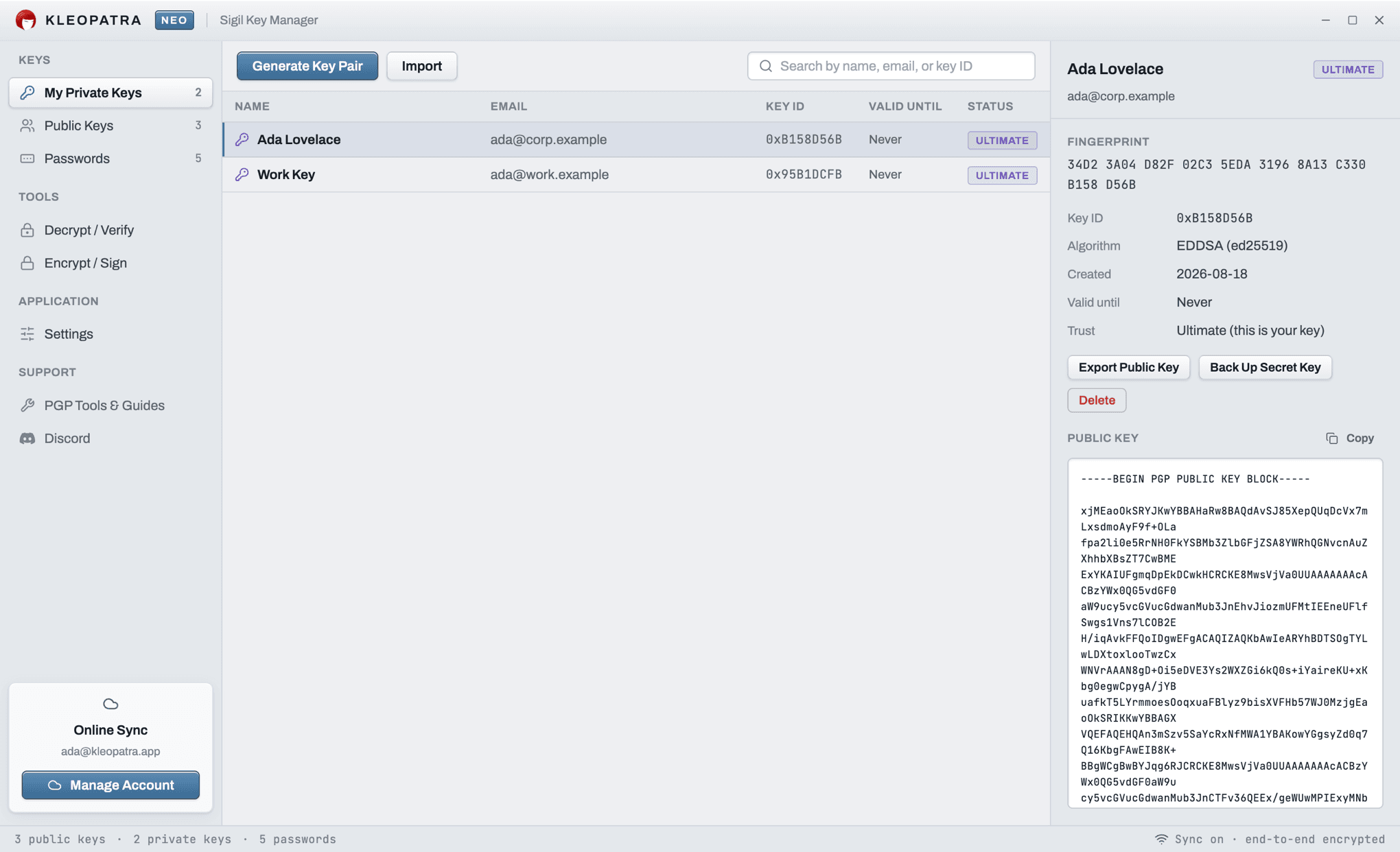
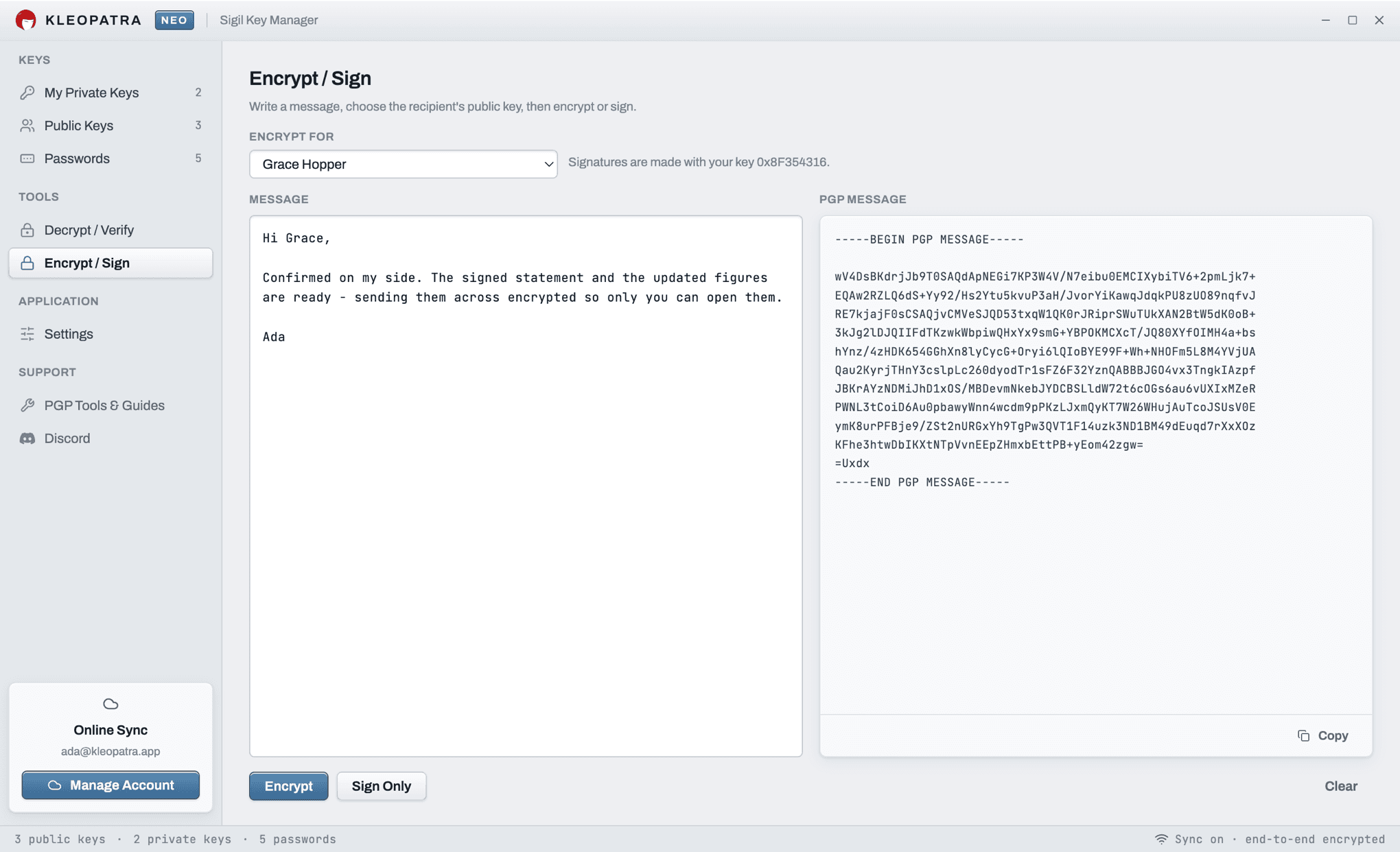
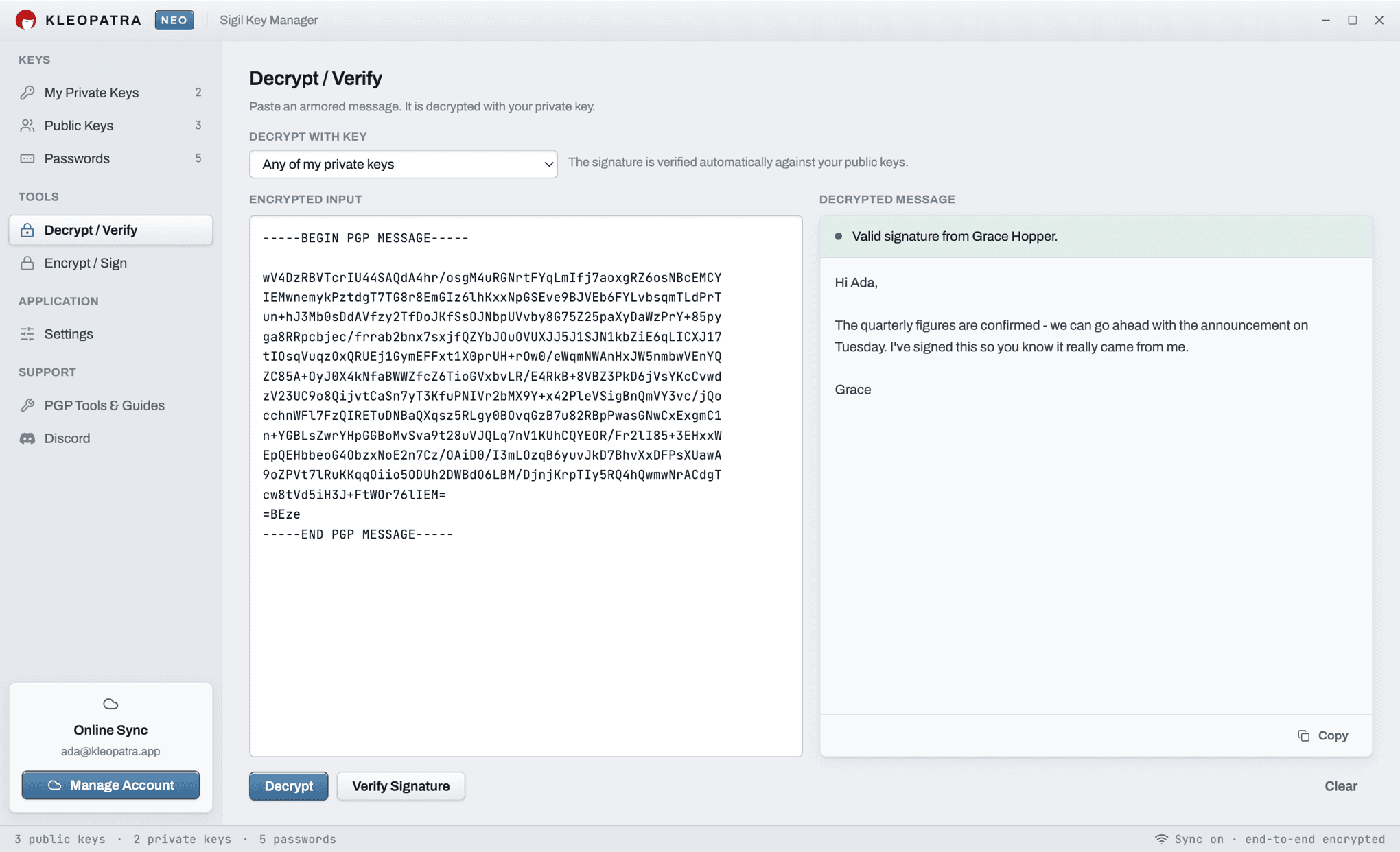
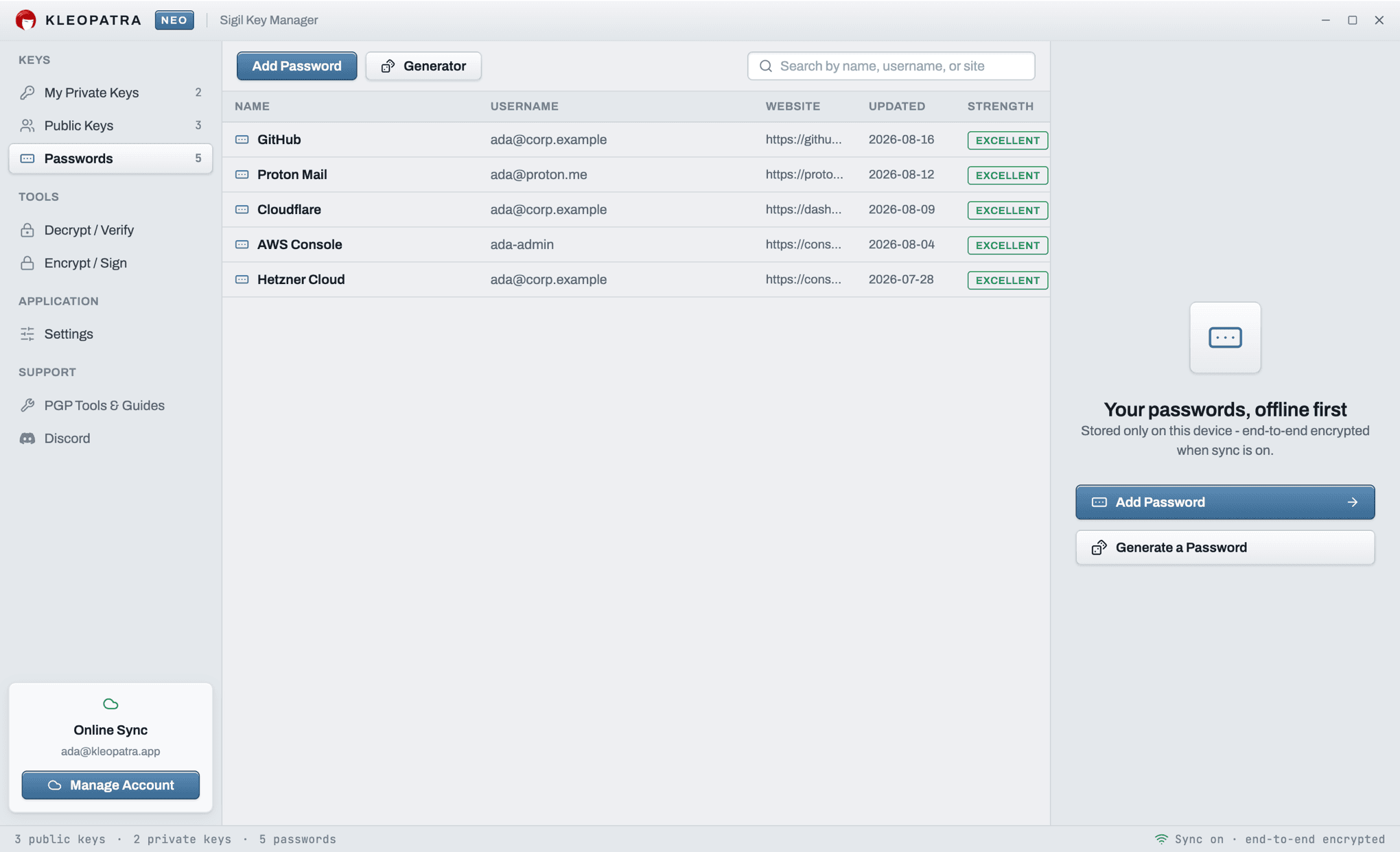
Kleopatra on macOS
Many people look for Kleopatra on a Mac after using it on Windows. The classic Kleopatra is the key manager that ships with Gpg4win, which its maintainers distribute for Windows. Kleopatra Neo is a separate, independent app that brings the same kind of key manager to macOS as a native application, built for Apple Silicon.
Both follow the OpenPGP standard, so keys move freely between them, and between GPG Suite, Thunderbird and ProtonMail. Export a key as an .asc file from one, import it into the other, and keep writing to the same people.
On an Intel Mac, or if you would rather not install anything, open Kleopatra Neo in your browser. It is the same app, with the same features.
Privacy by design
Encryption and decryption run on your Mac. With sync turned on, your vault is encrypted with AES-256 on your Mac before upload, so the server stores ciphertext.
Frequently Asked Questions
Is Kleopatra available for Mac?
The classic Kleopatra key manager ships with Gpg4win, which is distributed for Windows. Kleopatra Neo is a separate, independent PGP app that runs natively on macOS, so Mac users get a Kleopatra-style key manager without Windows.
Which Macs does Kleopatra Neo run on?
The macOS download is built for Apple Silicon (M1 and later). On an Intel Mac, the full app runs in Safari, Chrome or Firefox at kleopatra.app, with the same features and no installation.
Is Kleopatra Neo for Mac free?
Yes, the download is free and the app works on your Mac without an account. Encrypted sync between devices is part of a paid plan, which starts with a 14-day free trial.
Can I bring my keys from Gpg4win Kleopatra or GPG Suite?
Yes. Export your keys as .asc files from Kleopatra, GPG Keychain or the gpg command line, then import them into Kleopatra Neo. Every tool speaks the same OpenPGP standard, so the keys work unchanged.
Is Kleopatra Neo made by the Gpg4win or KDE projects?
No. Kleopatra Neo is an independent application built on OpenPGP.js. It is not affiliated with KDE, the GnuPG project or Gpg4win.