
The password manager extension for your browser
Autofill logins, generate strong passwords and reach your encrypted vault from Chrome, Edge, Brave and Firefox. Everything is encrypted with AES-256 on your device. It is a true zero-knowledge password manager, free to use.
See it in action
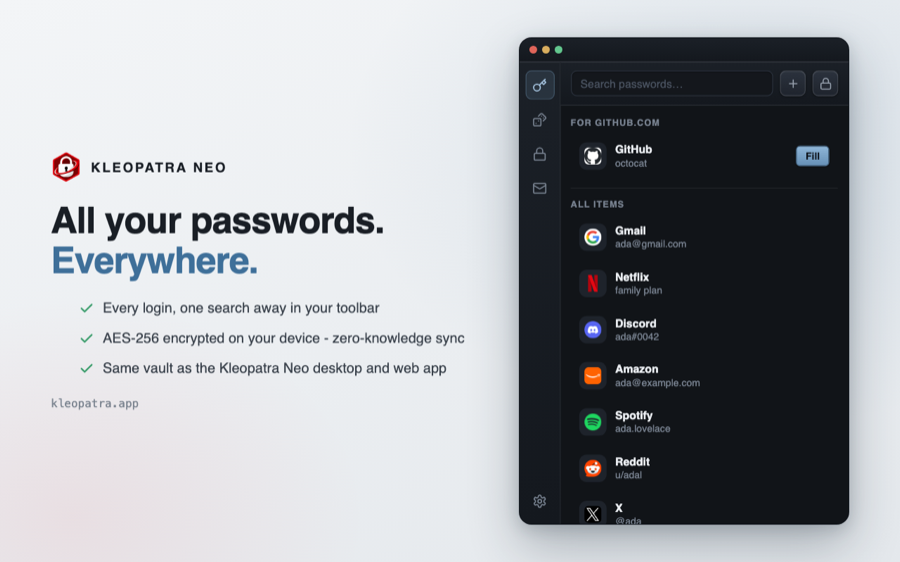
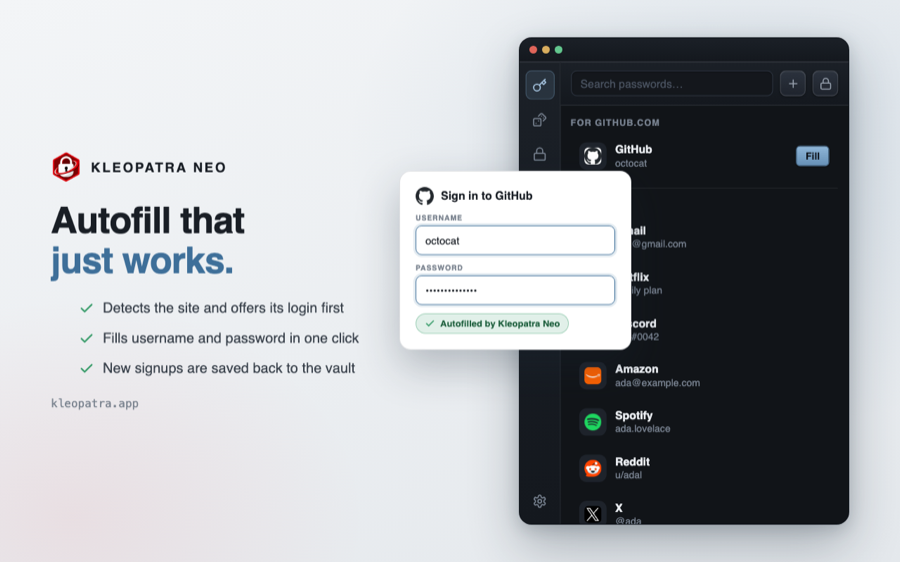
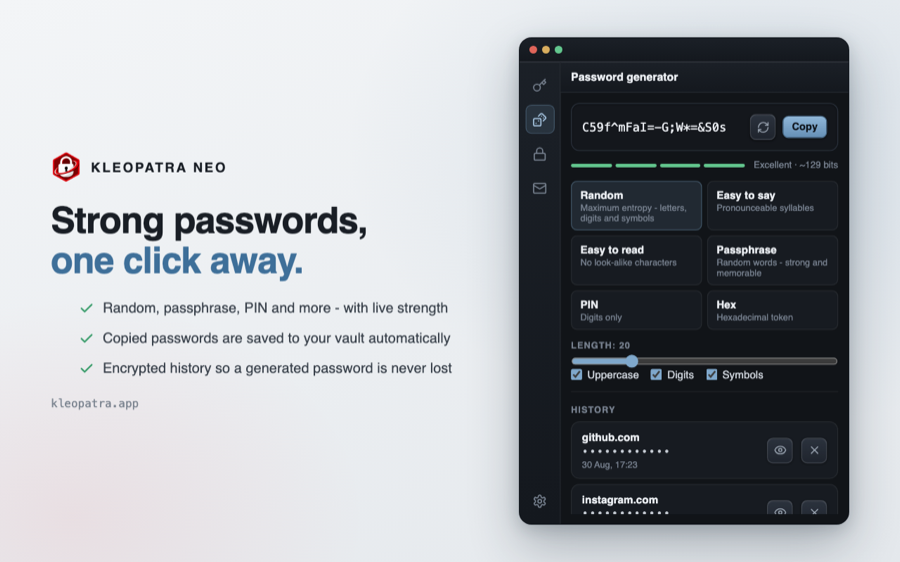
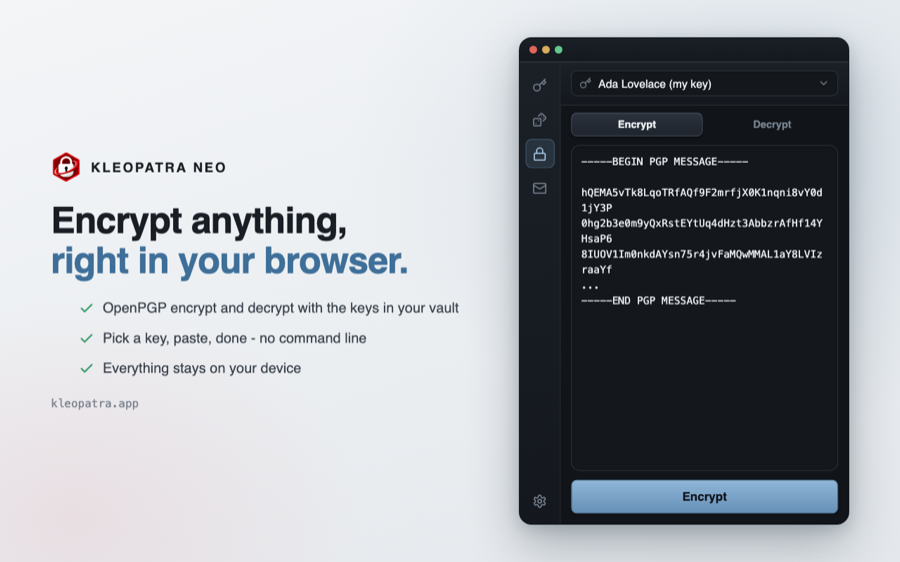
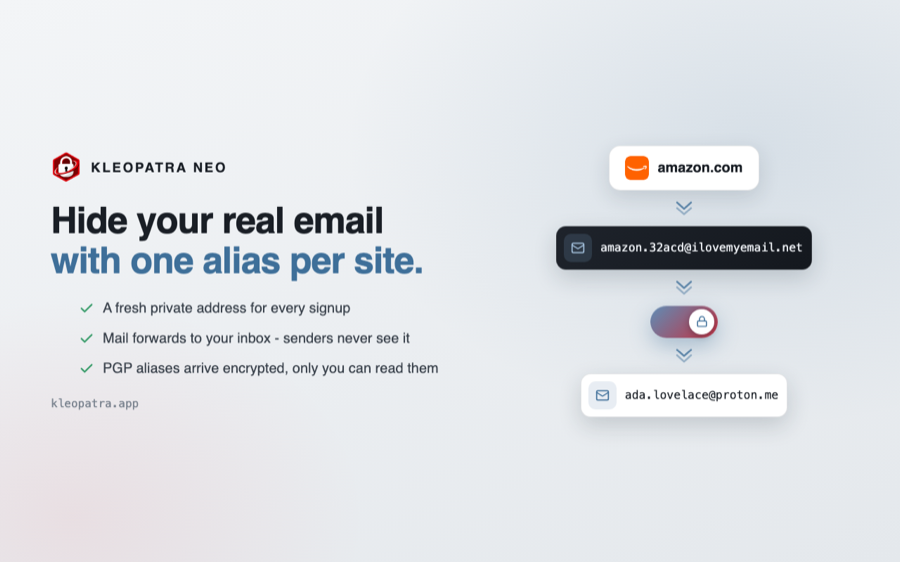
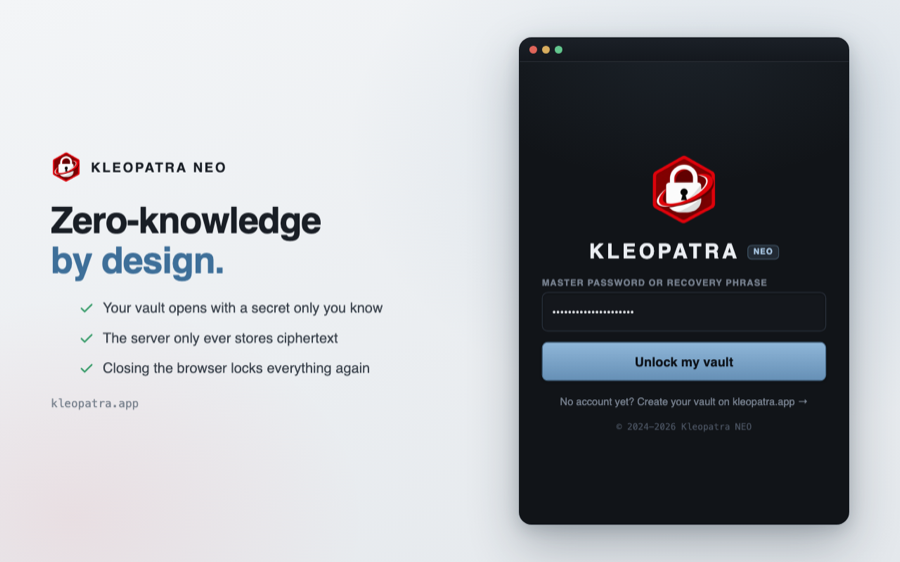
Kleopatra Neo detects login forms and fills the right username and password for the site you are on, in a shadow-DOM overlay that never leaks into the page.
Generate long random passwords or memorable passphrases as you sign up, then save them straight to your vault.
Search every login from the toolbar. The same entries you see in the Kleopatra app and desktop, kept in sync.
Everything is encrypted with AES-256 on your device. The sync server only ever stores ciphertext - it can never read your passwords.
Install in under a minute
The store listings are on their way. In the meantime you can load the extension directly. It takes about a minute and gives you the exact same build.
- Download the extension and unzip it to a folder you keep.
- Open chrome://extensions (or edge://extensions).
- Turn on Developer mode (top-right).
- Click Load unpacked and select the unzipped folder.
- Pin Kleopatra Neo and sign in to unlock your vault.
- Download the extension (no need to unzip).
- Open about:debugging#/runtime/this-firefox.
- Click Load Temporary Add-on…
- Select the downloaded .zip (or its manifest.json).
- Sign in from the toolbar icon to start autofilling.
The extension can never read your passwords in the clear
Decryption happens locally with a key derived from your master password, which is never sent anywhere. The vault is uploaded only as AES-256 ciphertext, and autofill runs in a sealed shadow DOM so the pages you visit cannot see it. Everything is encrypted before it leaves your device.
Frequently Asked Questions
Is Kleopatra Neo free?
Yes. The extension, autofill and the password generator are free. Encrypting, decrypting and using the password manager on a single device costs nothing. A paid plan is only needed to sync more devices than the free plan includes.
How is my data protected?
Your passwords are encrypted with AES-256-GCM on your own device using a key derived from your master password (PBKDF2, 600k iterations). Only ciphertext is ever uploaded, so the server - and anyone who could compel it - can never read your passwords. This is what zero-knowledge means.
Which browsers are supported?
Any Chromium browser (Google Chrome, Microsoft Edge, Brave, Arc, Opera) and Mozilla Firefox. The extension is built on Manifest V3 with a Firefox compatibility layer.
Do I need an account?
You can use the generator without one. To autofill from your vault you sign in with your Kleopatra account, which unlocks the same encrypted vault you use in the app and on desktop.